Current Journey Map
Generate a holistic view of your user’s current experience over time.
The Current Journey Map provides insight into the user’s current experience to accomplish a goal. It may include a particular product, event, or scenario. It can be used to identify existing problems or gaps in the experience. It is a way to understand a holistic experience, enabling you to ask more in-depth questions about specific moments in their journey.
The quality and accuracy of the journey map is dependent on the source of input. Will the Current Journey Map have information based on research data or the team member’s assumptions of the user experience? It is best to have a strong and accurate understanding of the current journey. Journey maps are iterative and change with new findings as you learn about your users over time.
 1-6 people
 45-90 minutes
What you’ll need
- Pens or markers
- Sticky notes
Prerequisite Activities
- Research
- Persona
- Empathy Map
Downloadable Materials
Instructions
Identify a persona and goal
From your set of personas, choose one to focus on. Next, add the persona’s goal. What goal are they trying to accomplish?
Identify what the user is doing
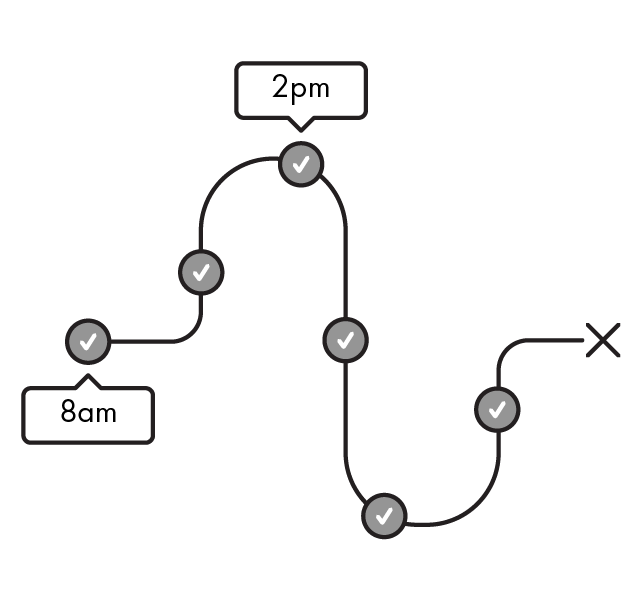
Using your understanding from the research data, begin writing out the different phases of the user journey. Then, write each major action or decision the user takes. Optionally, add a timestamp to the action. When you’re done, you’ll start to imagine how the user is moving over time.
Add the touchpoints
Follow the same journey to determine the multiple touchpoints the user interacts with.
A touchpoint is a point of contact or interaction between a user and a business, product, brand, or service. Examples of a touchpoint are a physical object, a device, a person, or a form of communication such as email.
Illustrate the user's feelings
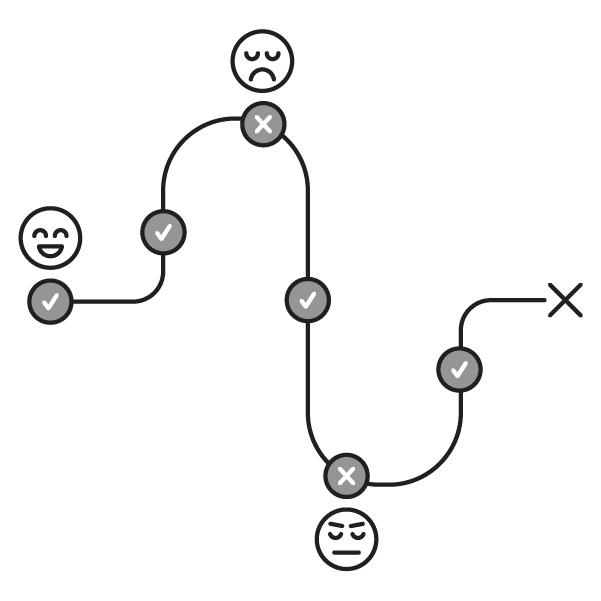
Follow the same journey, again, and show your user’s feelings. Add a feeling for each action and touchpoint. A user’s feeling may be positive or negative. They may feel satisfied or frustrated. Place the positive feelings above the dotted line and negative feelings below the dotted line.
After you’ve added the user’s feelings, draw a line to connect each feeling. Once you’re done, you’ll see how the user’s perception of their experience changes over time.

Tip
Any negative feelings are opportunities for improvement.
Elaborate on the context
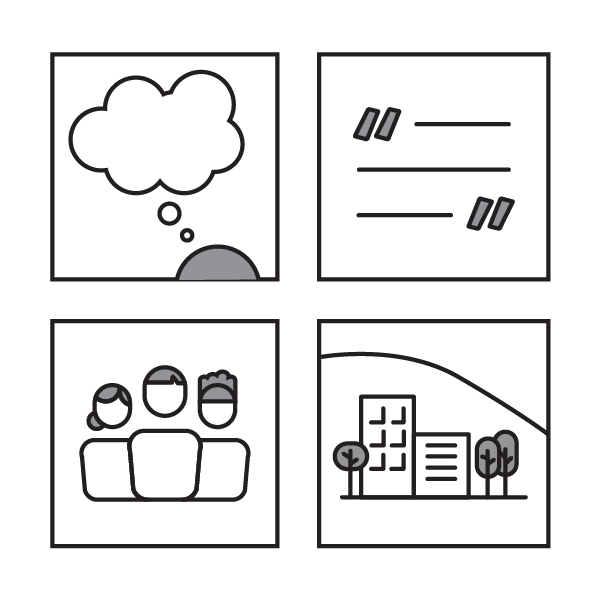
Add additional information to illustrate the context of the situation. This can be user thoughts, quotes, other people in the scene, or environmental conditions. This will add support to the journey map event and help strengthen your understanding of the user.
Tip
Feel free to add swimlanes to help your team have more clarity on other aspects of the user’s journey.
Reflect on your Journey Map
Take a step back and look at your user journey as a whole. You should now have a clear understanding of the user’s current experience and how they are completing their goal. Were there any surprising moments? What did you learn about your user’s current experience?
Tip
If you identify a knowledge gap, you may have to gather more information to get a better understanding of the current user experience.
Identify opportunity areas
Look for new opportunity areas where you can add value to a user’s life. Opportunity areas consist of negative experiences that can be improved, positive experiences that can be further enhanced, or a gap in the experience with an unmet need.
Next steps
You can use the opportunity areas as a starting point for How Might We activity to identify a challenge. Journey maps are meant to be a living document; continue to modify it as you learn more about your users. Share the journey map with others and use it as a tool to facilitate conversations and gain alignment.