Storyboard
Visually describe how the proposed solution addresses a real user need.
Storyboard helps you bring your ideas together to tell a story from the user’s perspective. This will help your team visualize, in a manga or comic book style, how the solution fits into the user’s life, meets their needs, and adds value to them. Use storyboard to share your solution with others.
 2-6 people
 30 minutes
What you’ll need
- Pens or markers
- Sticky notes
Prerequisite Activities
- None
Downloadable Materials
Instructions
Pick a format
You can print out several sheets of the Storyboard worksheet or use a large surface with sticky notes.
Start with 4 empty frames
These frames are used as the key moments in your storyboard. If you’re recreating this without the worksheet, then use one sticky note per frame. Add a label to each one.
- 1st frame: User Need
- 2nd frame: Challenge
- 3rd frame: Solution
- 4th frame: Outcome Experience
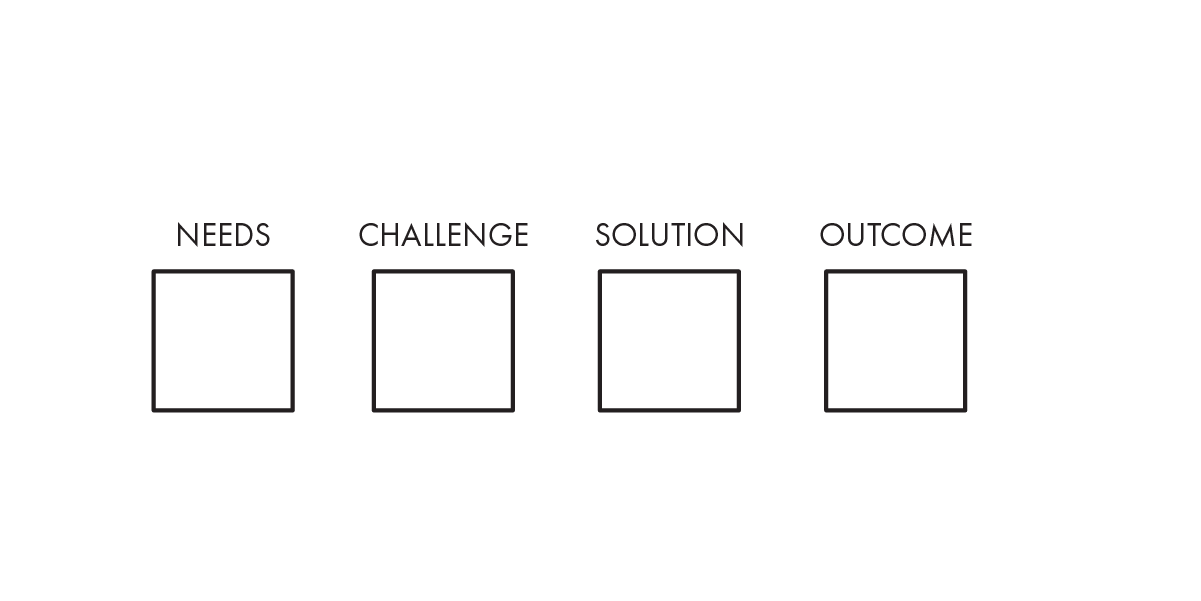
Add to the 4 frames
Add a drawing to illustrate the scene and a short sentence to describe the key moments.
What is the user need, challenge, solution, and outcome experience?
- User Need is the originally problem statement from Problem Framing activity.
- Challenge is the How Might We statement from How Might We activity.
- Solution is your idea from Create a Concept activity.
- Outcome Experience is the outcome experience of your user interacting with your solution.
Tell the story of how the user incorporates your proposed solution into their life. Focus on how the solution helps them overcome their challenges. Include what your user is thinking and feeling in each frame.

Tip
Do not focus on drawing perfectly. Rough stick figures and simple thought bubbles are fine. It is more important that this helps you think through your concept or solution than creating something that looks beautiful.
Name your story
Give your story a name. It should reflect the user’s experience.
Tell the story of your user
This is your summarized illustration of how a user will interact with your solution and what the outcome experience is.
Share this storyboard with others to tell the story, from the users’ perspective, of how your solution adds value to their lives.