Project Canvas
Visualize your project and develop a shared vision with the team.
Project Canvas will help your team visualize your project and develop a shared vision. It’ll give you a quick overview of the goals and risks. It will also help you think about how to incorporate Honda Innovations Design Thinking activities into your project.
 6 people
 60 minutes
What you’ll need
- Pens or markers
- Sticky notes (2 colors)
Prerequisite Activities
Downloadable Materials
Instructions
Reference previous activities
You’ll need information from Team Setup, Problem Framing, and Stakeholder Map activity to fill in parts of the canvas.
Restate project motivation
Discuss why the team is gathered together. What is the motivation driving this project? You can reference “Team Setup” activity for this information. Write a few on sticky notes and add them to the canvas.
Define project name and duration
Write down your project name. Then discuss how long you aim to work on this project for. Every project has a start and end date.
Restate the problem statement
Reference “Problem Framing” activity for this information. What is the team solving for? Keep the problem statement format because it mentions who your user is and what their goal is.
The user ________ [user’s name] ________
needs a way to ___ [a goal, job, or activity the user aims to accomplish] ___
because _________ [supporting information about your user] ________.
Restate the project goal
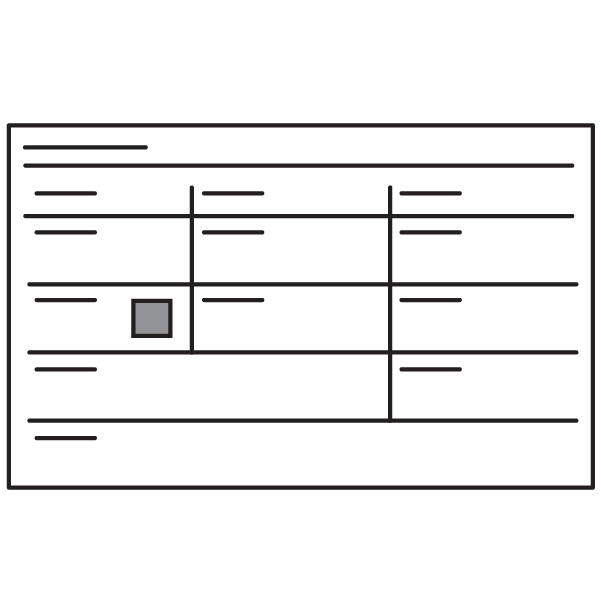
Reference “Team Setup” activity for this information. Discuss what the team wants to achieve together. It doesn’t have to be a specific solution. Consider items you expect to be showing to stakeholders, other teams, or users after this project is completed. Write the summarized goal on a sticky note and add both to the canvas.
Restate team members
Reference “Team Setup” activity for this information. Add the project team members and their roles. Include your project team name.
Restate stakeholders
Reference “Stakeholder Map” activity for this information. Add key players you’ll have to engage with in this project.
Define success criteria
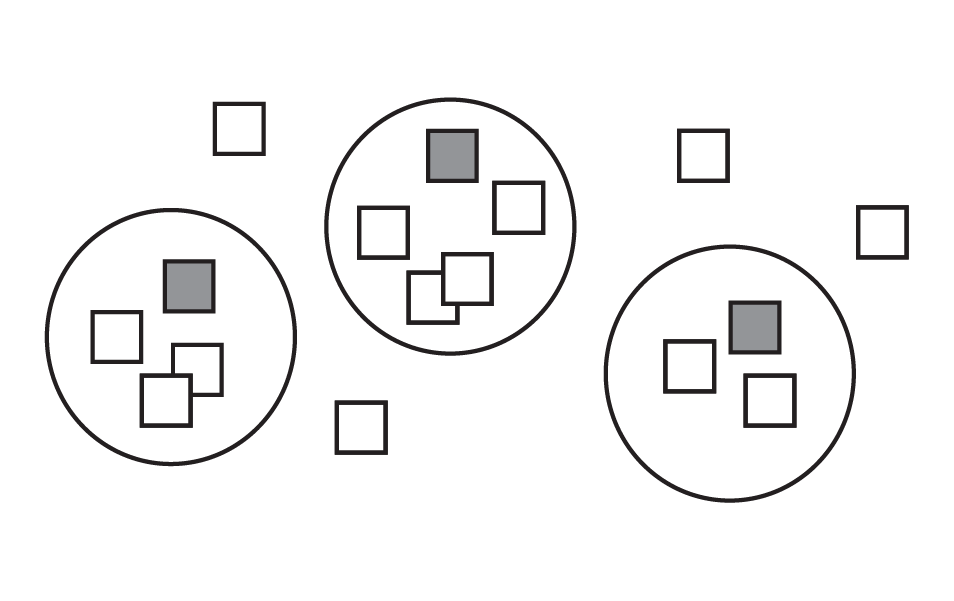
Have each person write down at most 3 answers to this question: What does project success look like? Consider both the business objectives and user objectives. Use one sticky note per answer.
Place the sticky notes on a surface as you share out loud. Begin to group any answers that are similar. Use a different colored sticky note to label the new groupings. Add these larger themes to the canvas.
Identify constraints
Add any known constraints to the project. This can include a technology, platform, or policy constraints.
Identify risks
Add any potential events that can have a negative impact on the project. What could be a barrier or risk to project success?
Identify activities
These are the Honda Innovations Design Thinking activities that you’ll be doing for this project. Check the activities you plan to do. Add any other activities or approaches that you plan to do.
Identify milestones
Add key dates and events for this project. Keep this high level. This will start to give you a broader view of how much time you have for certain activities.
Reflect on your project
Take a step back and summarize your project canvas out loud. Your team is now ready to start!
Bring visibility to your project
Share the Project Canvas with others during project kick-off and place it in your project space for visibility.